
Home Theatre
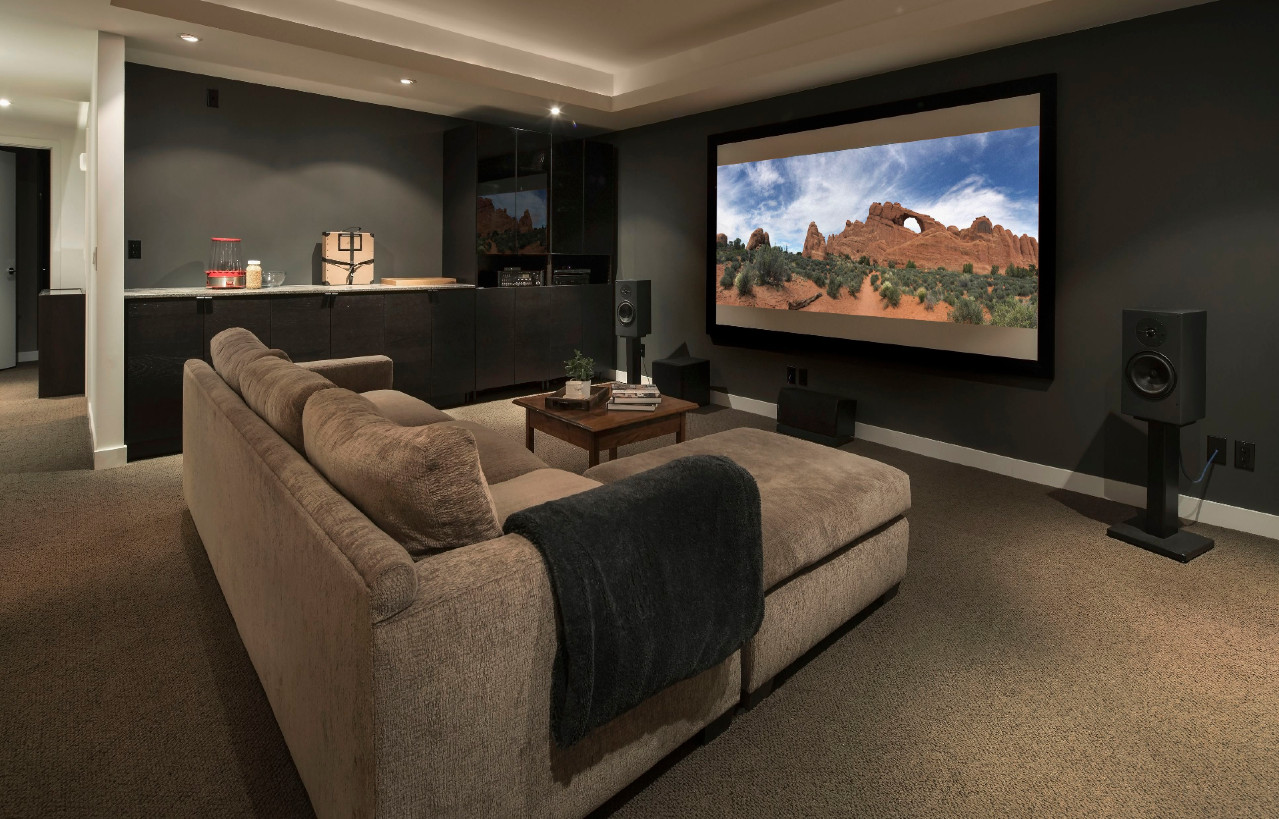
- Choose the right location: Pick a room that has minimal ambient light, as this can affect the picture quality. Consider the size and shape of the room, as well as the location of windows and doors. Choose a wall that is flat and smooth for the projector screen.
- Select the projector: Choose a projector that fits your budget and needs. Consider factors such as resolution, brightness, contrast, and throw distance.
- Install the screen: The screen is the most important component of a home theatre projector. Install the screen on a flat and smooth surface, and ensure that it is centered in the room and at the right height. Make sure that the screen is the right size for the projector and the room.
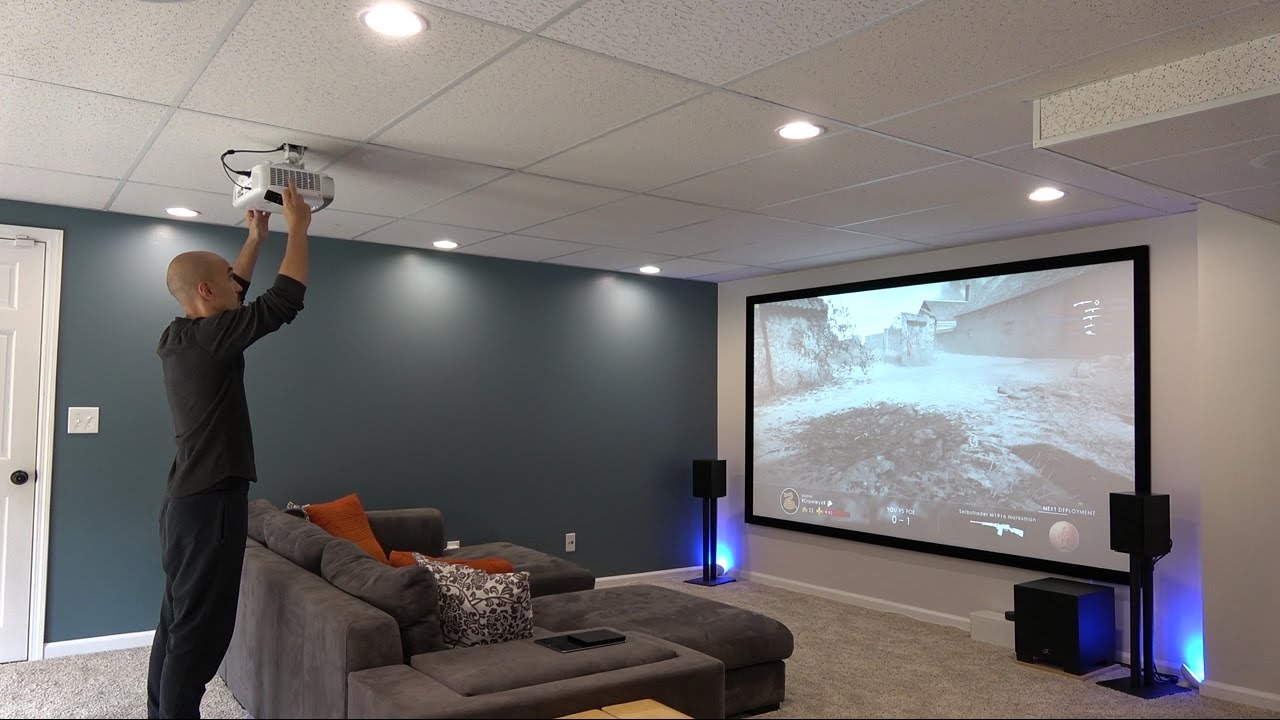
4. Mount the projector: Mount the projector on the ceiling or on a shelf at the right distance and angle from the screen. Make sure that the projector is level and secure, and that it is not obstructed by anything.
5. Connect the projector: Connect the projector to your home theatre system, including the audio and video sources. Make sure that all cables are secure and that the connections are correct.
6. Calibrate the projector: Adjust the projector settings to optimize the picture quality, including brightness, contrast, color, and focus. Use a calibration tool to ensure that the picture is accurate and consistent.
By following these steps, you can create a home theatre projector installation that provides an immersive and enjoyable movie-watching experience.
Partnering with Leading AV Technology Brands

Aten

Panasonic

Maxhub

Optoma

Vega

Alfatron

Hisense

AVer

Epson

Yealink
Request a quote
Gauteng
Tel: 087 898 8700
Tel: 011 708 1124
Address: 1 Montecasino Boulevard, Fourways, Gauteng, 2191
Western Cape
Tel: 087 898 8700
Tel: 021 555 3175
Address: A2, Diep River Industrial Park, Greenville Road, Cape Town, 7945